
Education / iPhone
RockVault AR
Find the story
in the stone.
Point, scan, and identify.
For the finds that make you curious. Explore an AI-assisted identification, see a specimen in AR, and keep a collection of discoveries.
- Photo identification
- View specimens in AR
- Save notes, tags & favorites
 Made for iPhone
 AI-assisted results. Stay curious; verify your finds.
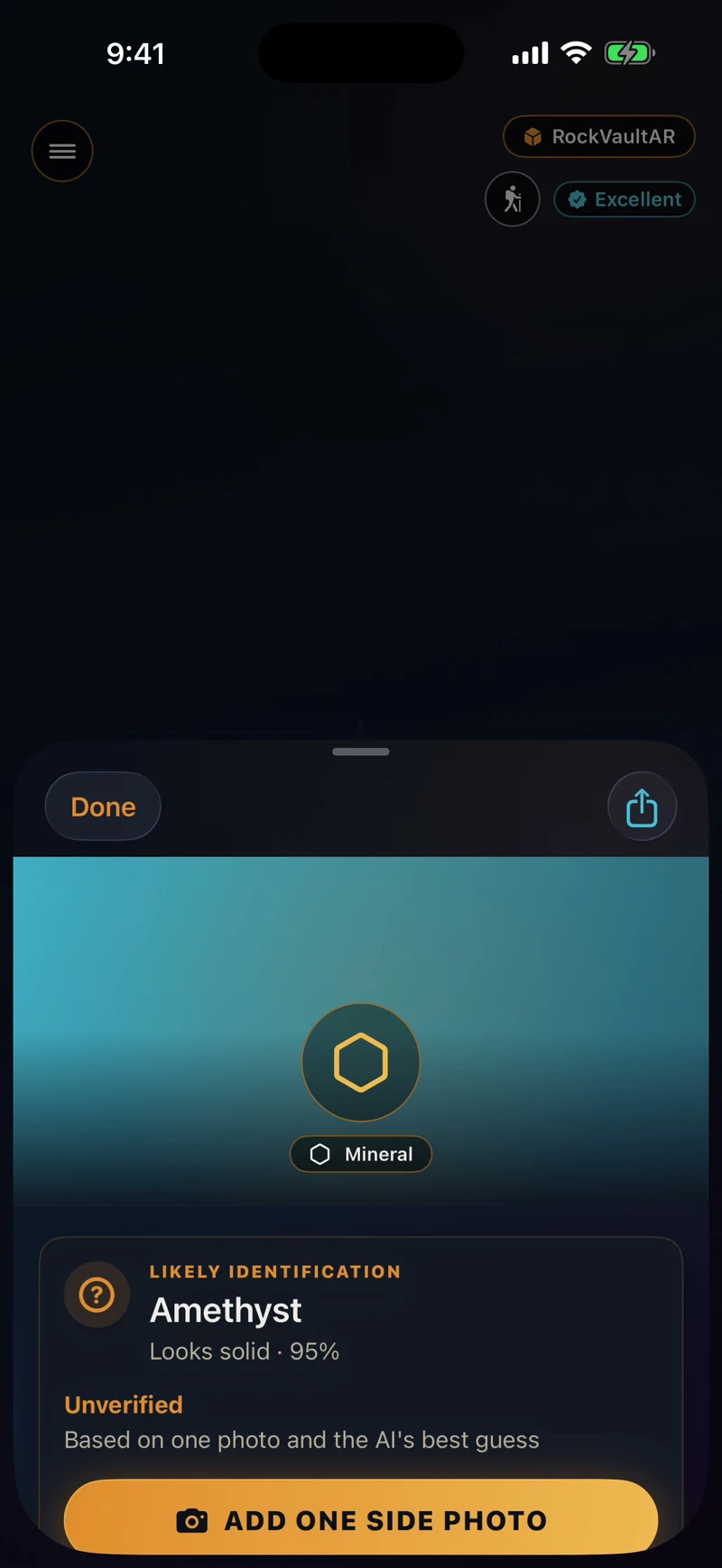
Amethyst
Sample identification / Unverified
Sample identification / Unverified
A discovery to explore.Real app UI
Actual app UI captured in iPhone Simulator. RockVault AR shows its built-in sample workflow and an unverified Amethyst identification. AR hardware is not demonstrated in this Simulator capture.
Inside RockVault AR
From find to collection.
01
Start with a photo.
Explore an AI-assisted match and the specimen’s properties, including hardness, luster and color.
02
Look a little closer.
View a specimen in augmented reality and use the turntable for another angle.
03
Keep the discovery.
Save a specimen with your notes, tags and favorites, then search your collection later.